Fields
Construction
All systems tie together
With one single point of accountability.
Use-Case: The Connected Construction Company
The Problem
Construction teams work across multiple sites with changing crews, temporary offices, and high-value equipment. When job-site cameras, internet, file sharing, email, and asset tracking are all disconnected, you get theft, downtime, missed updates, and constant “who has the latest file?” moments.
The Goal
Keep the job site secure and connected, make communication easy, and ensure everyone is working from the latest plans—so crews stay productive and projects stay on schedule.
The 845Data Approach
We bring job-site connectivity + security + collaboration + device management together into one managed setup—so every site runs like it’s connected to a real office.
Walkthrough: From Trailer Setup to Daily Operations
1) Rapid Job-Site Setup: Internet That Works on Day One
What the visitor sees
- Temporary mobile internet for the site office/trailer and key field needs.
- Secure Wi-Fi for staff, printers, and tablets, with separate networks for guests/vendors.
- Monitoring so you know when the site goes offline (before it kills productivity).
What your team gets
- Rapid deployment internet for the trailer/site office and key work areas (Wi-Fi included)
- Stable connectivity for tablets/laptops, inspections, plan access, camera systems, and vendor coordination
- Monitoring and support so outages are addressed quickly
How we tie it together
Temporary internet becomes the backbone that powers phones, cameras, email, and file access—so your job site runs like a connected office.
2) Telephones That Keep the Site Responsive
What the visitor sees
- A clear way to reach the right person (site office, superintendent, safety, deliveries) without confusion
- Faster answers for scheduling, deliveries, and coordination
What your team gets
- A dedicated site line with call routing (site office → super → backup contact) and after-hours rules
- Ring groups for deliveries and vendors, voicemail-to-email, and mobile calling options for supervisors
How we tie it together
Phones integrate with the site’s internet and support plan, keeping communication reliable even as the site changes week to week.
3) Intercoms and Paging for On-Site Coordination
What the visitor sees
- Clear instructions at the entry point or trailer (where to park, where to check in, who to call)
- Faster assistance when arriving for deliveries, inspections, or subcontractor access
What your team gets
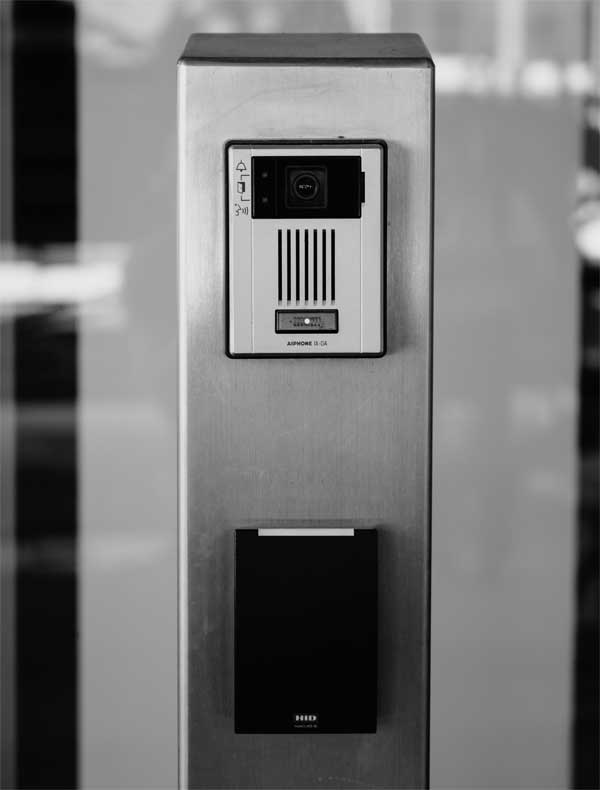
- Trailer intercoms, gate/entry intercom options, and paging for quick announcements and safety messaging
- Reduced interruptions because staff can communicate instantly without chasing people across the site
How we tie it together
Intercoms align with phones and cameras so entry, verification, and communication happen through one consistent workflow.
4) Cameras for Security and Progress Visibility
What the visitor sees
- A safer, well-managed site with visible security coverage
- Clear accountability for deliveries and site activity
What your team gets
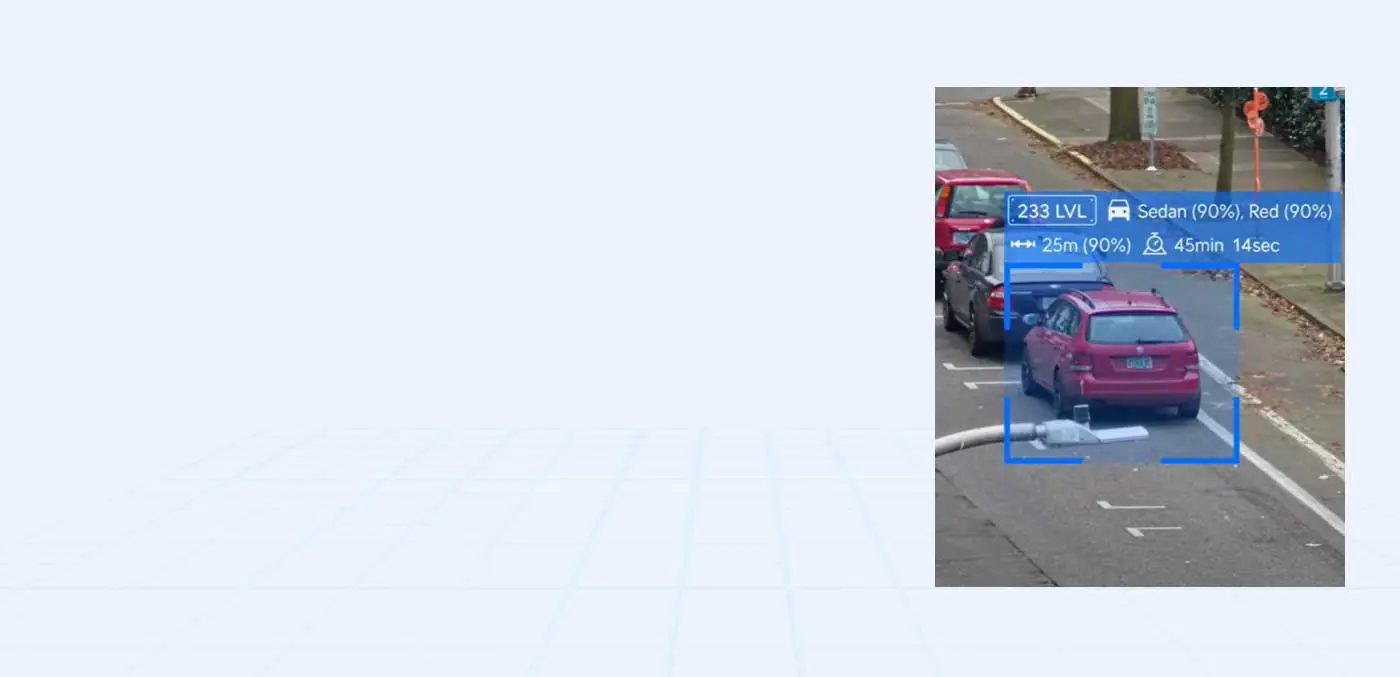
- Camera coverage for entrances, material staging, tool storage, equipment areas, and the trailer
- Remote viewing for PMs/owners, quick clip review, and optional progress/time-lapse visibility
How we tie it together
Cameras run on the same temporary network and are supported alongside phones, email, and file access—so you can verify issues fast without separate vendors.
5) Hosted Email That Keeps Projects Moving
What the visitor sees
- Professional, consistent communication from the site and office
- Faster responses to scheduling changes, RFIs, inspections, and delivery coordination
What your team gets
- Managed hosted email (commonly Microsoft 365) with shared mailboxes for project teams (ex: “Project-123@…”)
- Security protections like MFA and phishing filtering to reduce account compromise
- Easy onboarding/offboarding for supers, PMs, and admin staff
How we tie it together
Email identity ties into secure file access and device logins, so the right people get the right information without messy sharing or security gaps.
6) File Sharing That Keeps Everyone on the Latest Plans
What the visitor sees
- Smoother inspections and walkthroughs because plans, permits, and documentation are available on demand
- Fewer delays caused by outdated drawings or missing files
What your team gets
- Organized project folders for drawings, permits, RFIs, submittals, photos, daily reports, and closeout docs
- Permission control for subs vs internal staff, plus easy mobile access for the field
- Version control so “latest” is always clear
How we tie it together
File sharing runs over the same managed internet as the rest of the site, so access is fast, reliable, and controlled.
Outcome
- A connected job site with reliable internet and fewer delays
- Clear communication for deliveries, inspections, and daily coordination
- Reduced theft risk with verified visibility
- Everyone working from the latest plans with secure file sharing
- One support partner for temporary internet, phones, intercoms, cameras, hosted email, and file sharing working together
Your Benefits
One support partner for
phones, security, and email
working together
We connect physical security, communications, and IT management
into one reliable system so your team can focus on production.
Unified Support for all IT
Launch-ready tech
Proactive Management & Monitoring
Vendor Coordination
Next case study
Healthcare Technology: Securing Patients
and Property

Contact Us
Connect with us for best solutions
and success.
We enhanced speed and design for a better user experience
Schedule an appointment with us today!
Keep up with the dynamic world of IT operations,
and stay ahead with cutting-edge solution.
-
Emails
-
Phone
-
Location
-
Follow us on