Fields
Apartments / Condo's
All systems tie together
With one single point of accountability.
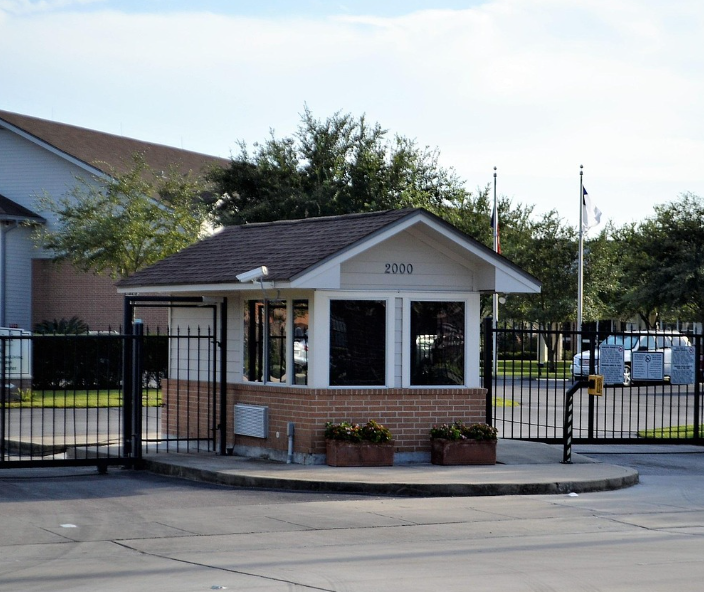
Use-Case: The Connected Apartment Community
The Problem
Apartment communities juggle a constant mix of residents, guests, vendors, deliveries, tours, and after-hours issues. When cameras, doors, intercoms, Wi-Fi, phones, and office computers are all separate systems (and separate vendors), it creates gaps in security, poor resident experience, and slow issue resolution.
The Goal
Keep residents safe, streamline access and visitor flow, reduce property staff interruptions, and deliver reliable internet/phones/IT so management can focus on leasing and retention.
The 845Data Approach
We integrate physical security + access + intercom/visitor entry + communications + office IT + backups into one managed environment with clear procedures and one support partner.
Walkthrough: From the Gate to the Leasing Office to Resident Support
1) Controlled Entry for Vehicles and Pedestrians
What the visitor sees
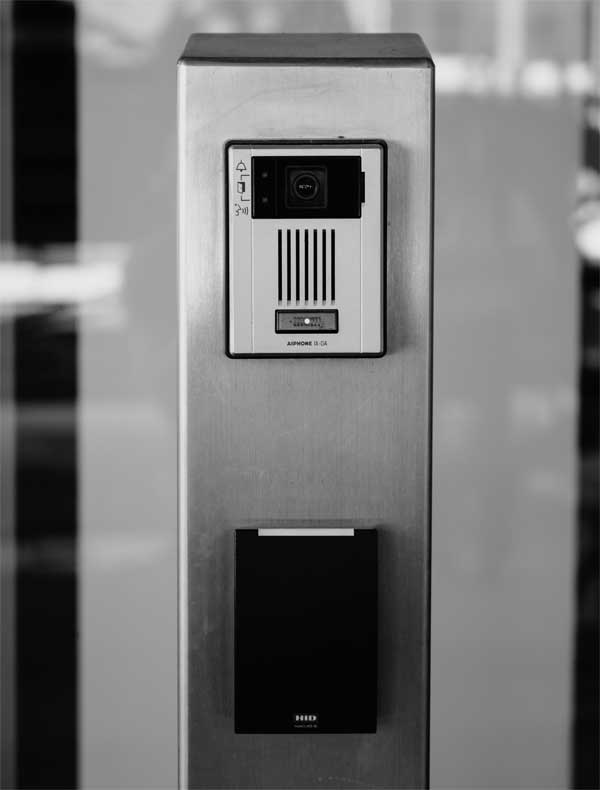
- Gate entry options like keypad, fob, mobile access, or call box.
- Access schedules and permissions (residents, staff, vendors).
- Clear signage with QR codes for visitor entry instructions, office hours, and “how to get help.”
What your team gets
- Fewer “how do I get in?” calls.
- Less tailgating and unauthorized access.
- A more professional first impression for tours.
How we tie it together
The QR landing page can also trigger a visitor check-in workflow (simple form, or a visitor system) and notify the right person.
2) Smart Door Access for Buildings and Shared Spaces
What the visitor sees
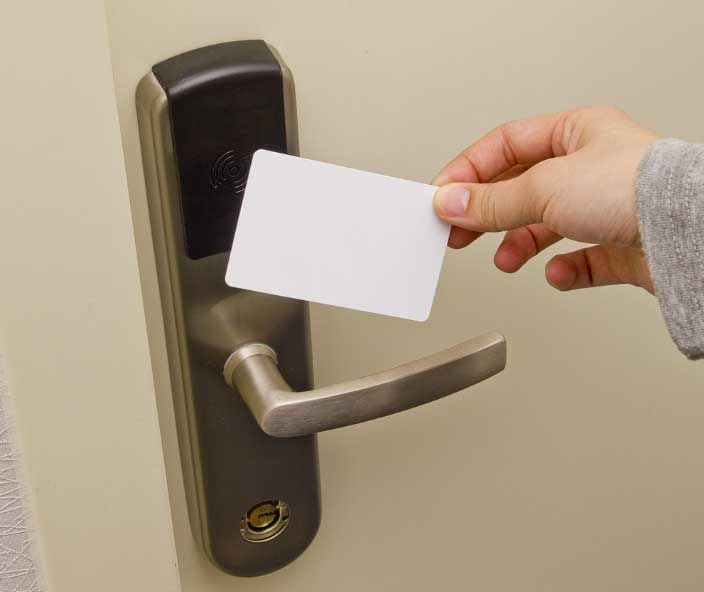
- Controlled entry for lobby doors, gym, pool gates, package rooms, maintenance areas, and office suites.
- Mobile credentials and time-based access for vendors/contractors.
- Audit trails for access events when you need them.
What your team gets
- No more chasing keys and rekeying costs.
- Easier move-ins/move-outs.
- Better control of amenities (and fewer unauthorized guests).
How we tie it together
The QR landing page can also trigger a visitor check-in workflow (simple form, or a visitor system) and notify the right person.
3) Intercom + Visitor Access That Doesn’t Disrupt Staff
What the visitor sees
- Visitor calls can ring resident phones, a mobile app, or a central intercom line.
- Residents can grant access remotely (where appropriate), or direct guests with clear instructions.
What your team gets
- Reduced front desk interruptions.
- Cleaner visitor flow after hours.
How we tie it together
Intercom events can align with camera views at entrances for quick verification.
4) Cameras That Cover What Matters
What the visitor sees
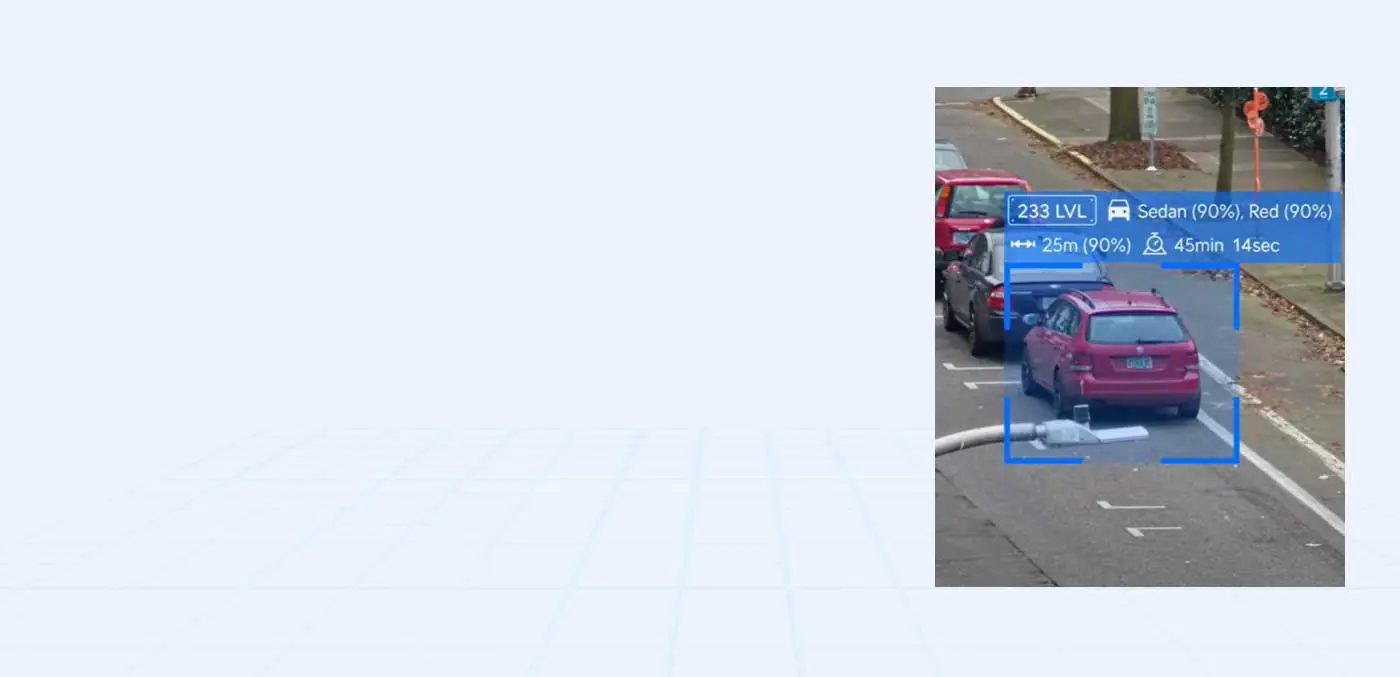
- Coverage at entrances, parking lots, mail/package areas, stairwells, dumpsters, and amenity zones.
- Centralized viewing with role-based access (staff vs ownership vs security).
- Retention policies that fit community needs and budgets.
What your team gets
- Faster incident review and dispute resolution.
- Better deterrence and accountability.
- Less time chasing footage across multiple systems.
How we tie it together
Intercom events can align with camera views at entrances for quick verification.
5) Package and Delivery Flow That Reduces Complaints
What the visitor sees
- Camera coverage and access control at package rooms.
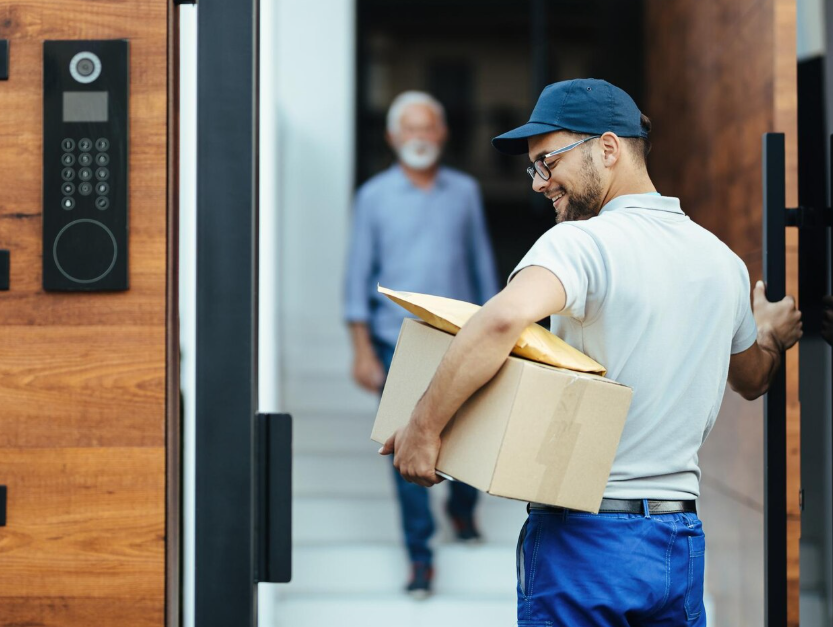
- Controlled access windows for carriers and vendors.
- Signage + QR instructions: “Deliveries go here,” “Call this number,” “Use this entrance.”
What your team gets
- Fewer lost packages and fewer resident disputes.
- Less staff time spent coordinating deliveries.
How we tie it together
Intercom events can align with camera views at entrances for quick verification.
6) Reliable Wi-Fi, Network, and Building Connectivity
What the visitor sees
- Secure networks for the leasing office, staff devices, cameras, access control, and resident-facing systems.
- Segmentation so residents/guests never share networks with security/management systems.
- Monitoring so issues are spotted before they become resident complaints.
What your team gets
- Better uptime for security and entry systems.
- Less finger-pointing when “the internet is down.”
- A stable foundation for smart building tech.
How we tie it together
Intercom events can align with camera views at entrances for quick verification.
7) Leasing Office IT: Computers, Email, and Business Continuity
What the visitor sees
- Managed computers, patching, antivirus/EDR, and user onboarding/offboarding.
- Microsoft 365 setup, email security, MFA, and account protection.
- Printer/network stability and secure remote work for managers when needed.
What your team gets
- Fewer interruptions during leasing hours.
- Better security for resident and financial data.
- Consistent processes for staff turnover.
How we tie it together
Intercom events can align with camera views at entrances for quick verification.
8) Backups + Recovery for the Systems You Can’t Afford to Lose
What the visitor sees
- Leasing office data, file shares, critical documents, and configurations.
- Recovery planning so the office can keep operating after an incident.
What your team gets
- Faster recovery from ransomware, device failures, or accidental deletions.
- Reduced business disruption and liability.
- Consistent processes for staff turnover.
How we tie it together
Intercom events can align with camera views at entrances for quick verification.
9) After-Hours Emergencies and Maintenance Response
What the visitor sees
- A single after-hours number (or “press 2 for emergency”) that routes correctly every time.
- Optional QR code signage in common areas that links to “After-hours help” instructions.
- Route by issue type: emergency maintenance, security concern, lockout, noise complaint, elevator, fire alarm guidance.
What your team gets
- Create “quiet hours” rules so only true emergencies reach leadership.
- Fewer random calls/texts to personal numbers.
- The right person gets the call the first time, with a consistent escalation path.
How we tie it together
We connect phones + intercom/entry + access control + cameras + alerts + documented procedures so emergencies are handled consistently, with clear escalation and accountability.
10) Vendor Coordination for Specialized Systems
What your team gets
- We coordinate with vendors, document dependencies, and ensure the network/access/security layers stay stable and secure—so your staff doesn’t have to play middleman.
How we tie it together
Intercom events can align with camera views at entrances for quick verification.
Your Benefits
Modernize Your Community
Without Creating More Work
We connect access, cameras, intercoms, networks, and office IT
into a single managed system that improves resident
experience and reduces staff headaches.
Unified Support for all IT
Visitor workflows that reduce interruptions
Proactive Management & Monitoring
Vendor Coordination
Next case study
Construction: Securing Sites, Equipment
and Employees
Construction teams work across multiple sites with changing crews, temporary offices, and high-value equipment. When job-site cameras, internet, file sharing, email, and asset tracking are all disconnected, you get theft, downtime, missed updates, and constant “who has the latest file?” moments.
Camera Systems
Advanced Security
5G Remote Internet
IP Phones
Contact Us
Connect with us for best solutions
and success.
We enhanced speed and design for a better user experience
Schedule an appointment with us today!
Keep up with the dynamic world of IT operations,
and stay ahead with cutting-edge solution.
-
Emails
-
Phone
-
Location
-
Follow us on