
-
Address: 867 Grant Ave, Lake Katrine NY 12449
-
Email: [email protected]
-
Phone: 845-338-DATA (3282)

Blog
Password Management
Passwords protect the systems your business
runs on every day, from email and
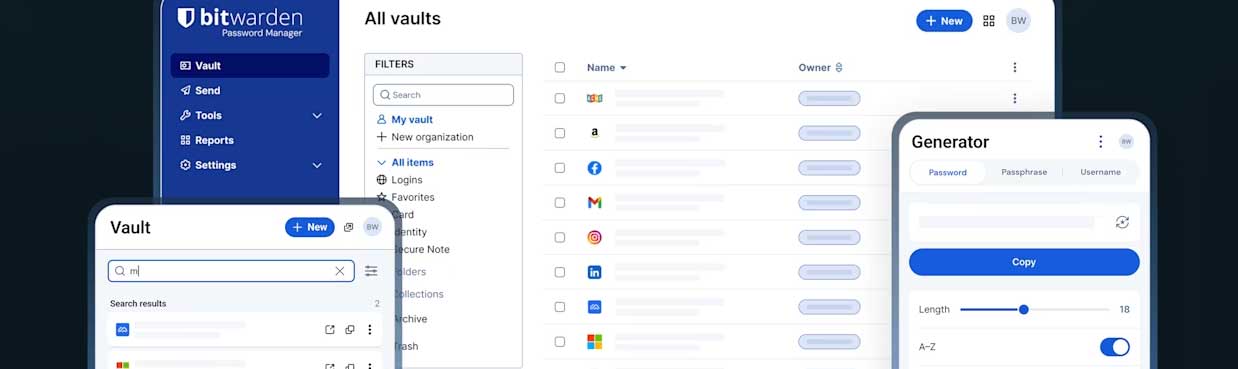
Password Management Is Business Critical
Passwords protect the systems your business runs on every day, from email and file storage to accounting, remote access, and customer data. When passwords are reused, shared, or saved in unsafe places, one mistake can turn into lost productivity, compromised accounts, and expensive recovery work. A strong password management approach creates consistency across your team, improves security without slowing people down, and makes it easier to onboard staff, remove access quickly, and stay aligned with internal policies.
What a Password Manager Helps You Do
Create strong unique passwords automatically
Store and fill logins safely across devices
Share access securely without texting passwords
Enable multi factor authentication where it matters
What a Password Manager Is
A password manager is a secure vault that stores your logins and automatically fills them when you need them. It helps you create strong, unique passwords for every account without having to memorize them, and it keeps everything synced across your phone and computer. For businesses, it also supports secure sharing, role based access, and better control over critical credentials so passwords are not passed around in emails, texts, or spreadsheets.
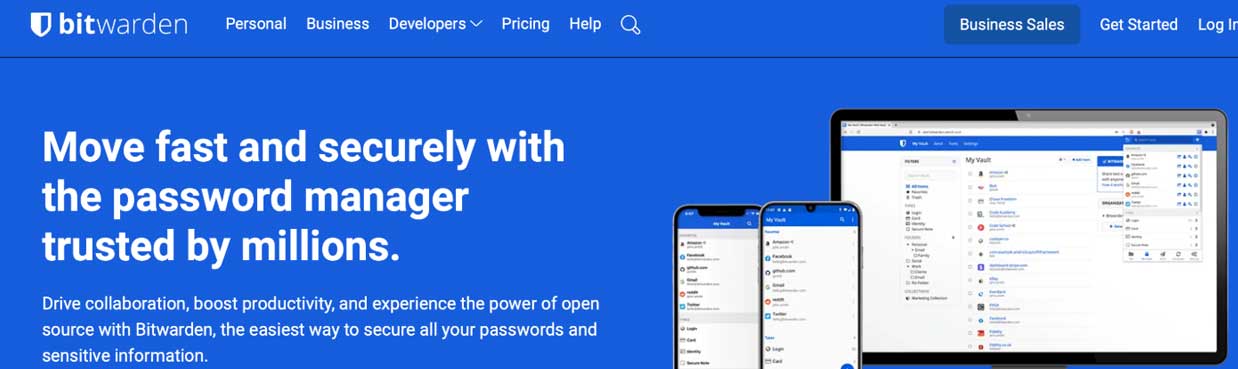
We recommend Bitwarden because it is open source, which means its code can be reviewed publicly and is more transparent than many closed platforms. That openness, paired with strong security practices and regular scrutiny from the broader security community, helps build confidence in how the product is built and maintained. It also gives businesses flexible options for deployment, reliable cross device access, and straightforward management tools, making it a practical choice for improving password security without adding friction for users.
Best Practices
Use a unique password for every account and turn on multi factor authentication for important systems like email, remote access, and financial platforms. Avoid shared logins whenever possible, and store administrator credentials in a protected vault with limited access. Review access regularly, remove accounts that are no longer needed, and make password management part of onboarding and offboarding so security stays consistent as your team changes.
If you want help rolling out password management, setting up Bitwarden, organizing shared access, and building simple policies your team will actually follow, contact us. We can assess your current setup, recommend a clean structure, and help you implement it across your business and personal devices.