Fields
Manufacturing
Everything ties together from the gate, to shop floor,
to the front office door, with one single point of accountability.
Use-Case: The Connected Manufacturing Facility
The Problem
Manufacturing facilities have a lot happening at once: deliveries, vendors, contractors, employee shift changes, and critical equipment that cannot go down. When access control, cameras, phones, email, computers, and backups are all separate systems (and separate vendors), small issues turn into big downtime.
The Goal
Secure the property, streamline visitor/vendor flow, keep production systems running, and remove IT/security distractions so the team can focus on output.
The 845Data Approach
We integrate physical security + communications + IT management into one coordinated system with clear procedures, monitoring, and support.
Walkthrough: From Gate Entry to Production Support
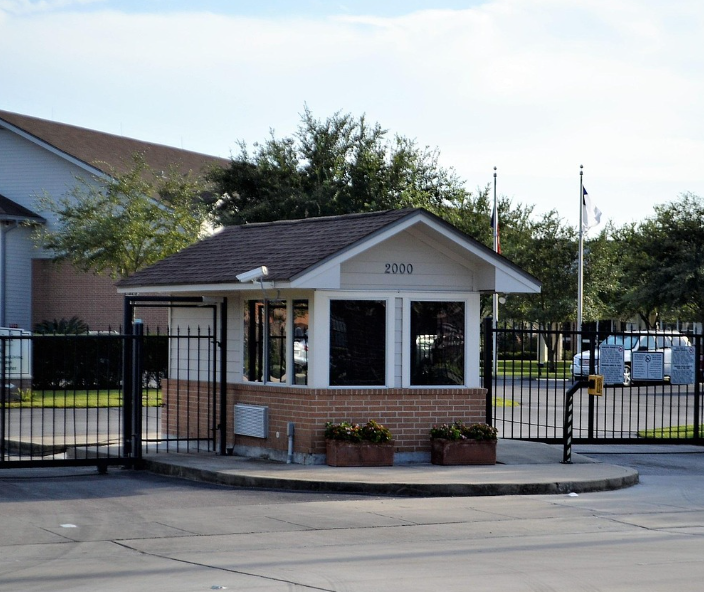
1) Gate Entry That Guides People Where You Want
What the visitor sees
- A clearly posted QR code at the gate that opens a mobile-friendly page: “How to Enter / Check In / Where to Park / Who to Call.”
- Optional options on the page: tap-to-call, directions, check-in rules, and hours.
What your team gets
- Fewer interruptions at the front desk.
- Fewer random vehicles on the property.
- A repeatable, documented process for vendors and deliveries.
How we tie it together
The QR landing page can also trigger a visitor check-in workflow (simple form, or a visitor system) and notify the right person.
2) Cameras + Video Visibility That’s Actually Useful
What we implement
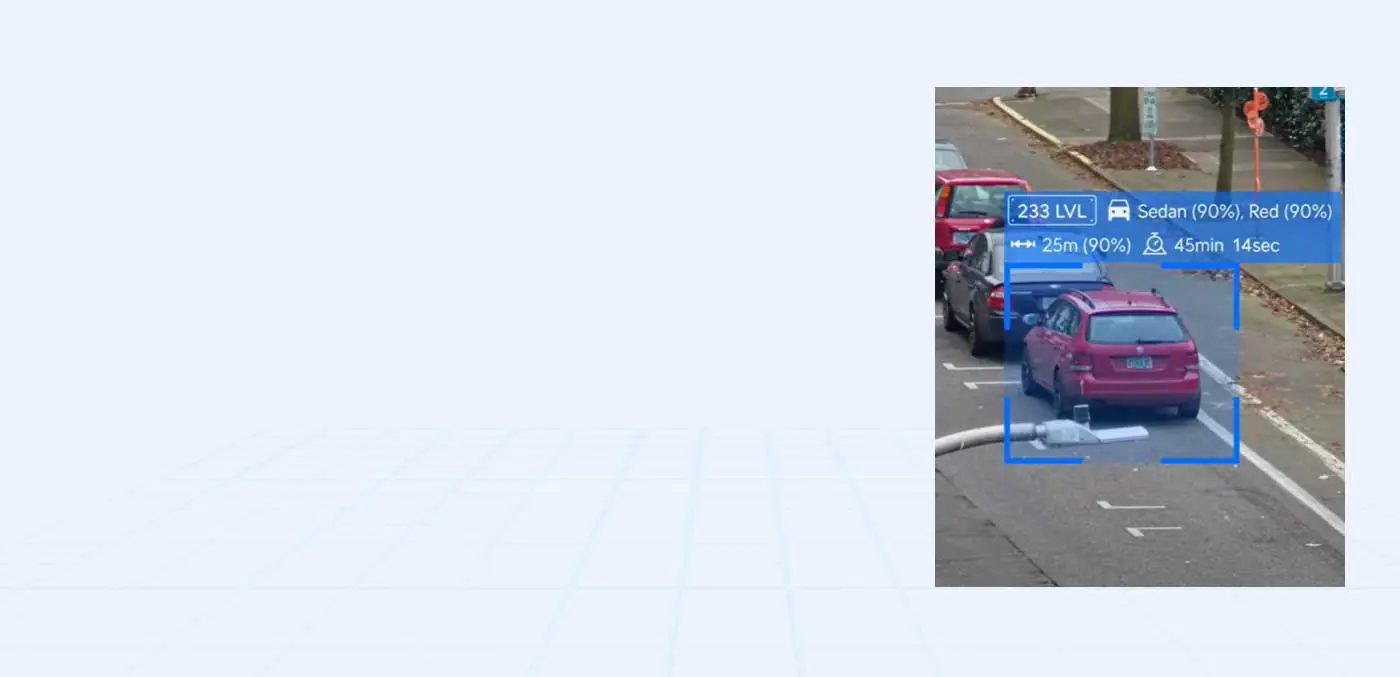
- Coverage at key points: gate, loading docks, entrances, staging areas, and high-value inventory zones.
- Central viewing with role-based access (security, operations, management).
What your team gets
- Faster incident review (no “where is that clip?”).
- Evidence for disputes and theft prevention.
- Reduced reliance on tribal knowledge (“ask Mike, he knows which camera…”).
How we tie it together
Cameras can be linked to door access events (click an access event → jump to the video clip).
3) Door Access for Employees, Vendors, and Visitors
What we implement
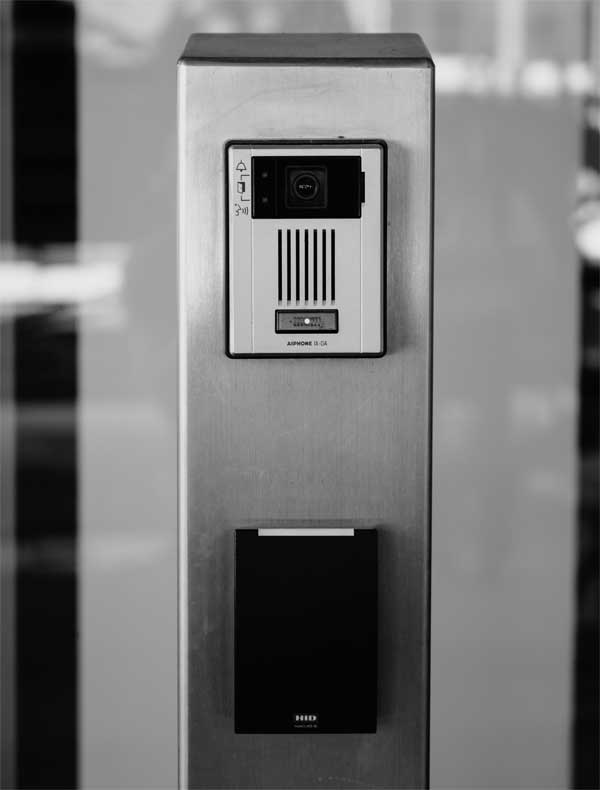
- Badge/fob/mobile access for employees.
- Time schedules by shift, department, or role.
- Restricted zones (IT room, server closet, tool cage, inventory).
What your team gets
- Temporary access permissions (time-bound).
- Visitor logs + clear escort rules.
- Options for self check-in, where appropriate.
How we tie it together
When someone leaves the company, we disable access everywhere: doors, email, computers, VPN—one process, no loose ends.
4) Visitor Management That Doesn’t Disrupt the Front Office
What we implement
- Pre-registration or on-site check-in with a simple workflow.
- Receives instructions, optional badge printing, and check-out.
What your team gets
- A clean visitor log for compliance and safety.
- Alerts to the host when visitors arrive.
- Reduced walk-ins and confusion.
How we tie it together
The visitor system can connect to phones (call host), door release (if approved), and camera view at the entry.
5) Phones That Fit the Facility (Office + Warehouse + On-Call)
What we implement
- A VoIP phone system with call flows for departments: shipping/receiving, production, HR, accounting, security.
- Options for desk phones, mobile softphones, paging/intercom, and shared area phones.
What your team gets
- Fewer missed calls, better routing, and clearer accountability.
- After-hours escalation paths (on-call maintenance, security, management).
How we tie it together
A visitor QR page can include one-tap call to shipping/receiving or the guard desk. Critical alerts can route to the right group automatically.
6) Managed Computers, Email, and Daily Operations
What we implement
- Onboarding/offboarding for users.
- Device management, patching, antivirus/EDR, encryption, and policy enforcement.
- Microsoft 365 email security (spam/phishing protection, MFA, conditional access).
What your team gets
- Less downtime, fewer security incidents, and smoother employee turnover.
- Clear standards for “how systems are set up here.”
How we tie it together
One support team for desktops, email, printers, network, and access tools. No finger-pointing.
7) Backups + Recovery That Treat Downtime as the Enemy
What we implement
- Backups for servers, PCs, and critical data stores.
- Recovery plans aligned with operations (what has to come back first).
- Testing and documentation so it works when it matters.
What your team gets
- Faster recovery from ransomware, hardware failures, and accidental deletions.
- Confidence that production-critical data is protected.
How we tie it together
Security controls + backups + monitoring work as one system, not separate products.
8) Specialized Equipment and Vendor Coordination
What we implement
Manufacturing often includes systems we don’t “own” (CNC machines, packaging lines, PLC/SCADA components, timeclocks, access gates, weigh stations, specialty printers/scanners).
What your team gets
- One number to call.
- Less downtime caused by vendor handoffs.
- Clean documentation so the next issue is solved faster.
How we tie it together
We act as the coordinator: work with the manufacturer/support vendor, manage network requirements, document dependencies, and ensure stable connectivity and secure remote access if needed.
Your Benefits
Make Your Facility Run Smoother
From the Gate to the Shop Floor
We connect physical security, communications, and IT management
into one reliable system so your team can focus on production.
Unified Support for all IT
Visitor workflows that reduce interruptions
Proactive Management & Monitoring
Vendor Coordination
Next case study
Office Technology: Securing Financial Transactions
for customers
Contact Us
Connect with us for best solutions
and success.
We enhanced speed and design for a better user experience
Schedule an appointment with us today!
Keep up with the dynamic world of IT operations,
and stay ahead with cutting-edge solution.
-
Emails
-
Phone
-
Location
-
Follow us on